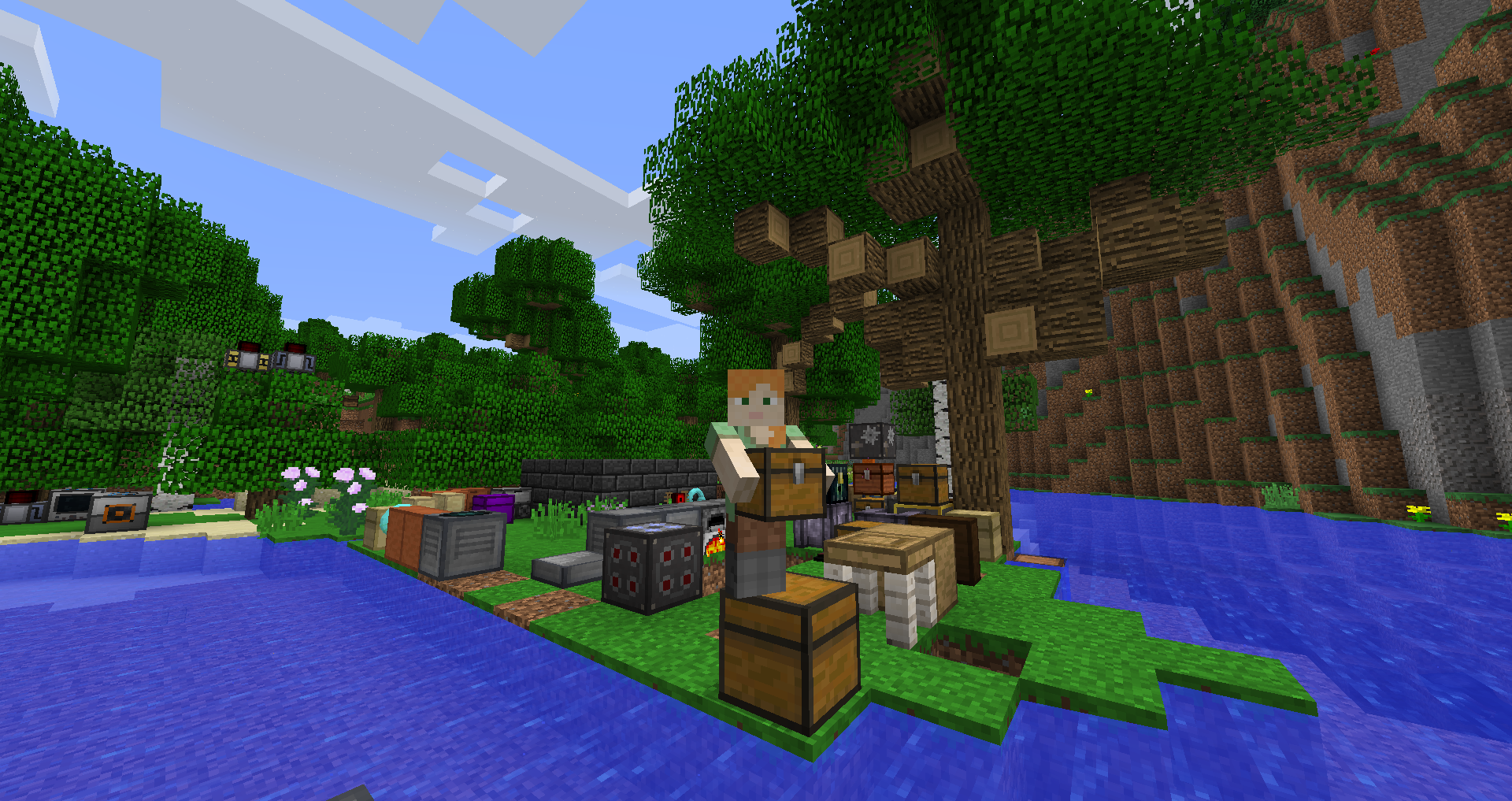
Use this guide as a compatibility-first checklist. Modded Minecraft is most reliable when the game version, loader and mod release are treated as one matched set.
Confirm Minecraft 1.20.1
The instance itself must run Minecraft 1.20.1 if you intend to use a mod release built for that version.
Confirm Forge
A Forge-targeted file belongs in a Forge instance. Fabric and NeoForge files are not drop-in replacements.
Place the file correctly
Use the mods folder belonging to the actual launcher instance you are starting, not a different global folder by assumption.
If startup fails
Check for duplicate mod files, incompatible dependencies and a mismatch between the Forge build and the mod version.
Related setup checks
- Back up important worlds before a loader or mod change.
- Keep only one intended Carry On build in the active mods folder.
- Use the same Minecraft profile you used when checking compatibility.
Download Now after you have verified the version and loader you intend to use.