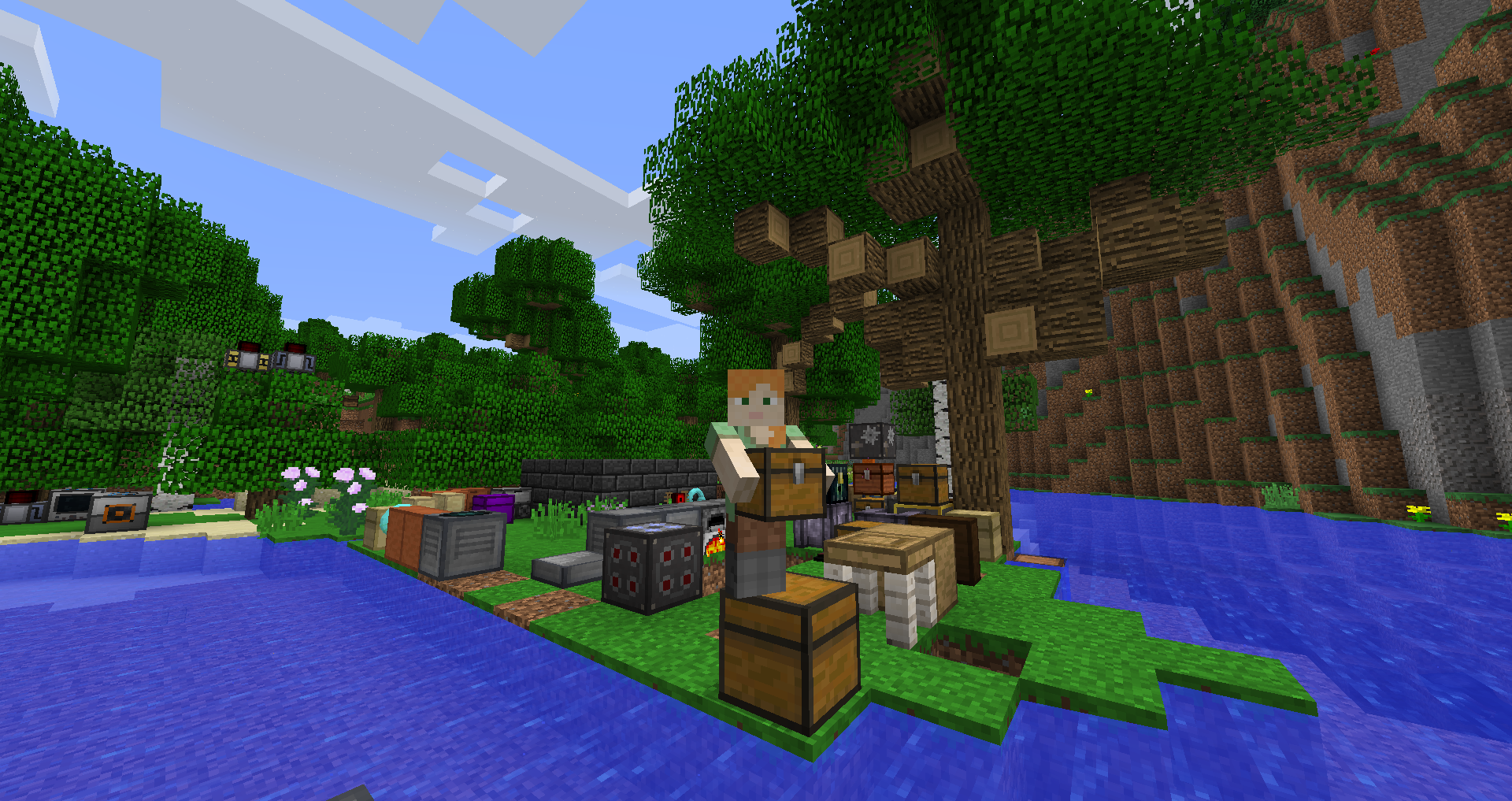
Use this guide as a compatibility-first checklist. Modded Minecraft is most reliable when the game version, loader and mod release are treated as one matched set.
Back up before changes
Create a copy of important worlds before installing, removing or updating mods. A backup is most useful when it is made before the change.
Check what you downloaded
Confirm the filename, game version and loader target. Avoid files that disguise their type or do not match the release you intended to obtain.
Update one layer at a time
Changing Minecraft, the loader and many mods at once makes failures difficult to diagnose. Smaller changes produce clearer results.
Use a test world
A quick controlled test can expose startup, interaction and compatibility problems before they affect your main world.
Related setup checks
- Back up important worlds before a loader or mod change.
- Keep only one intended Carry On build in the active mods folder.
- Use the same Minecraft profile you used when checking compatibility.
Download Now after you have verified the version and loader you intend to use.